


bKash app adds new features
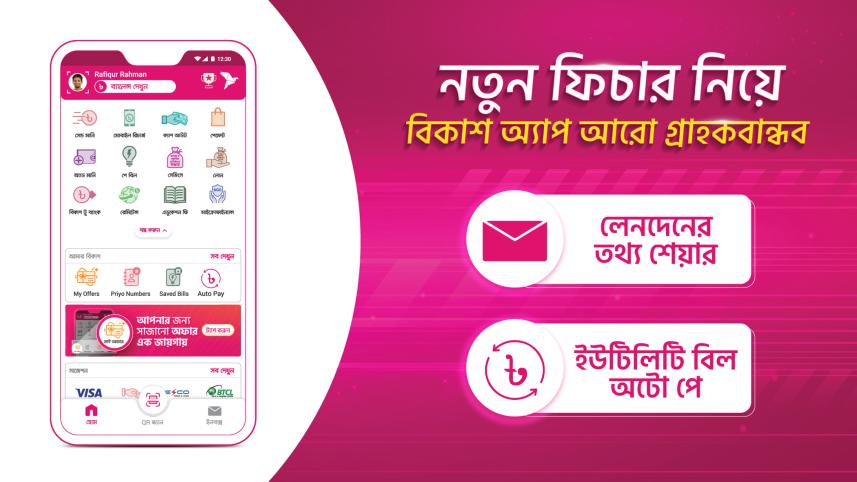
bKash recently added new features named "Auto Pay", "Balance Hide Option" and "View Charges in Statement" to its app.
To avail the Auto Pay service, a customer needs to tap on the "New Auto Pay" button by selecting "Auto Pay" from "My bKash" or bKash menu option in the app, said a press release.

Customers have to select the type of bill, account details, bill amount and date on which the auto pay will be done in the next step.
The service will be activated with consent. Before the due date in every month, customers will be notified through messages to keep sufficient balance. Customers can enable auto pay for multiple prepaid bills if they want.
They can also cancel any auto pay option at any time. List and details as well as tutorial video can be seen from the autopay menu as well.
Customers, however, can share transaction details of the home delivery of any product keeping their account balance private in balance hide option.
In the View Charges in Statement option, customers can keep track of every detail of their transactions.
 For all latest news, follow The Daily Star's Google News channel.
Comments